


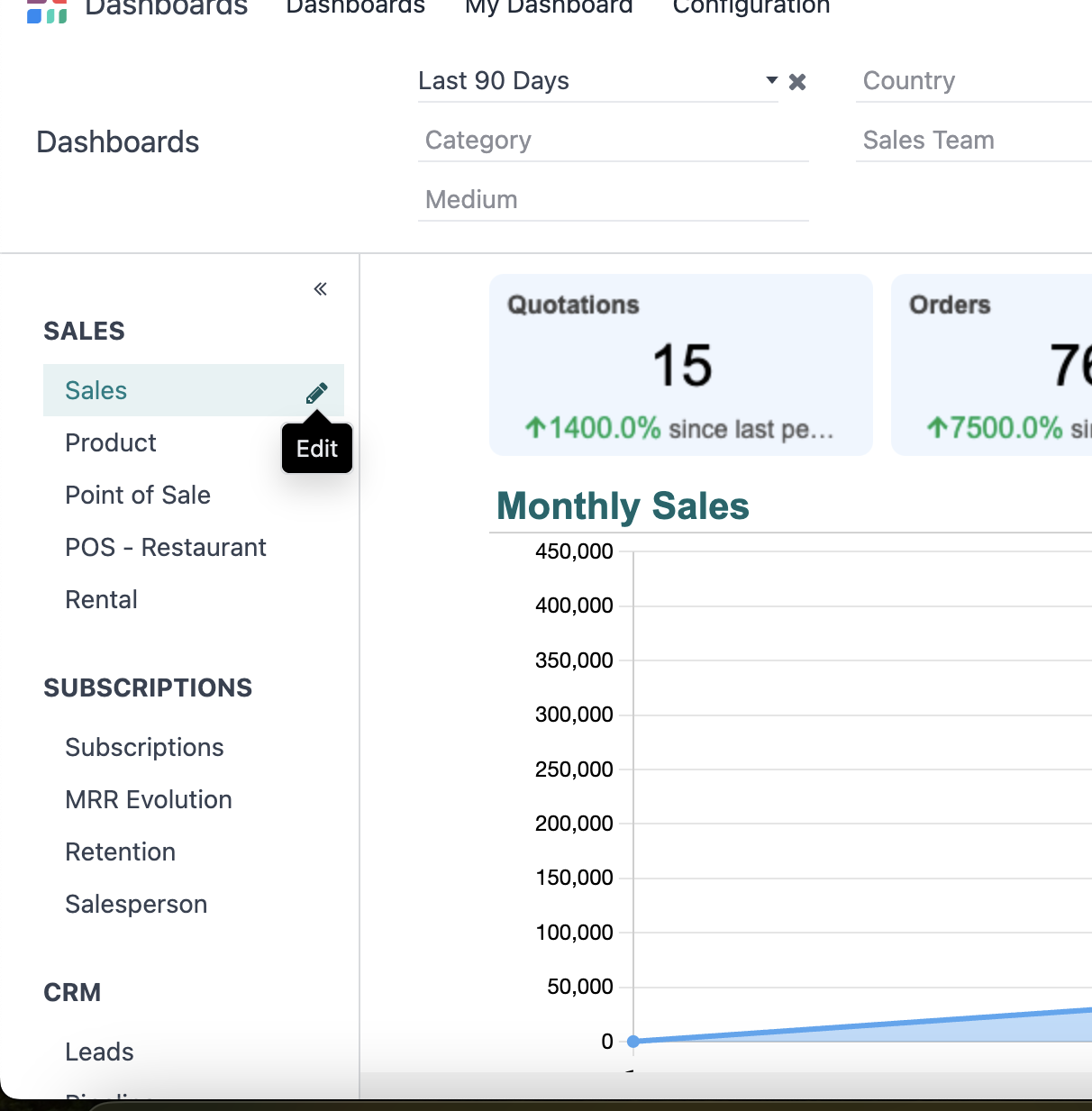
You have to be in Developer Mode, and instead of selecting the studio icon on your top right corner, you need to go to the dashboard you need to edit (listed to your left) and, when you select it, a pencil icon will appear.
There you will see the specific configuration of your selected dashboard. Then, you select the Filters option, and go to the period configuration
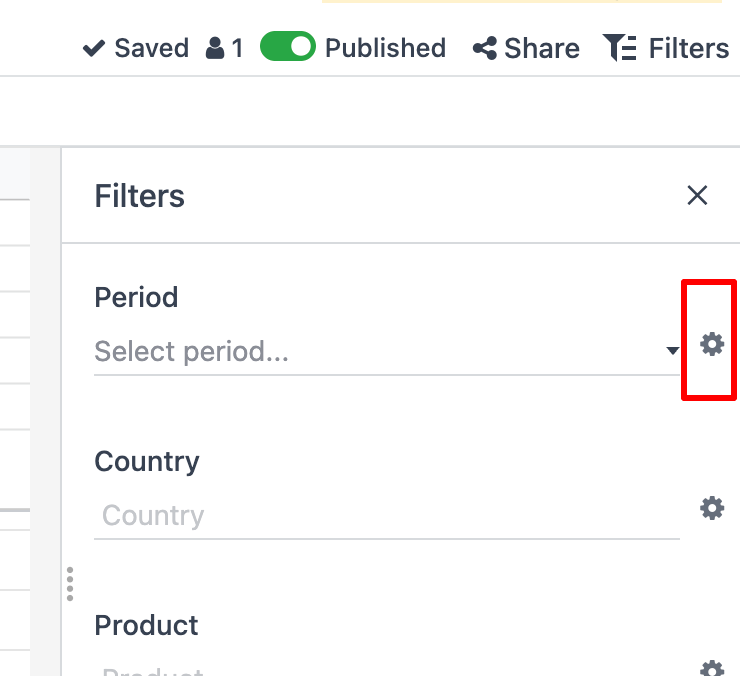
Once you are inside the configuration, you just need to change the time range to: "From/To" and it will appear on your dashboard c:
YES!!! Thank you! That was exactly what I needed!