This simplest way to set this up is to use prepaid (invoicing policy on ordered quantities) subcontracted service products.
If you want a Transfer (because YOU handle the paperwork) for the "delivery" of the Product to the Customer - use a regular product with drop shipping for the second step.
Setup
- In Purchase --> Configuration --> Settings, activate Dropshipping
- Create two Services - one for the Unit, and one for the Local Delivery - set the Invoicing Policy to Ordered quantities
- On the Purchase tab of each Service, add the Vendor, set Subcontract Service to True and Control Policy to On ordered quantities
Workflow
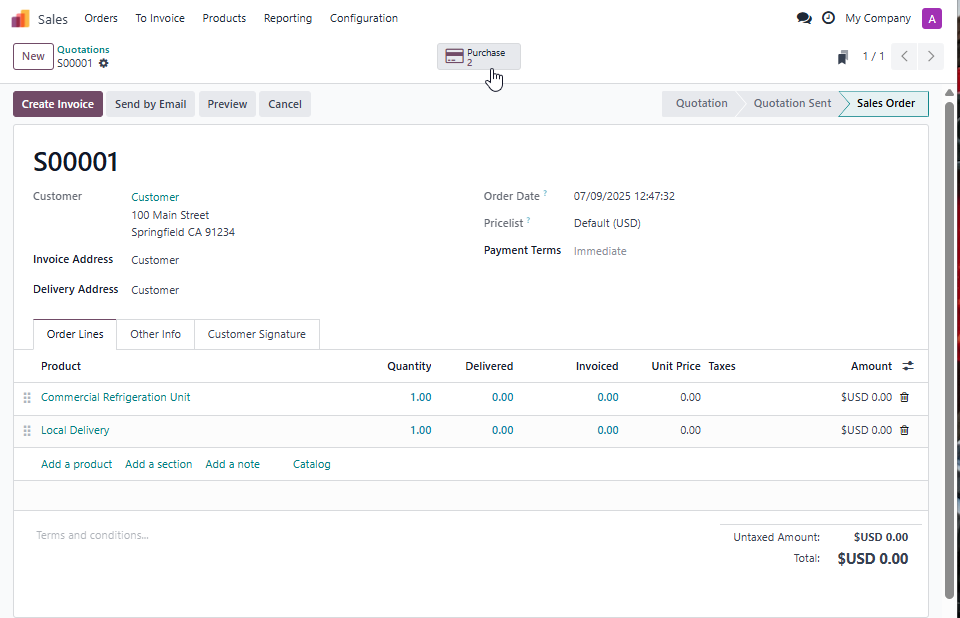
- Create a Sales Order with two lines - one for the Unit and one for the Local Delivery. Leave the prices at $0 until you have information from your Vendors and Delivery Company
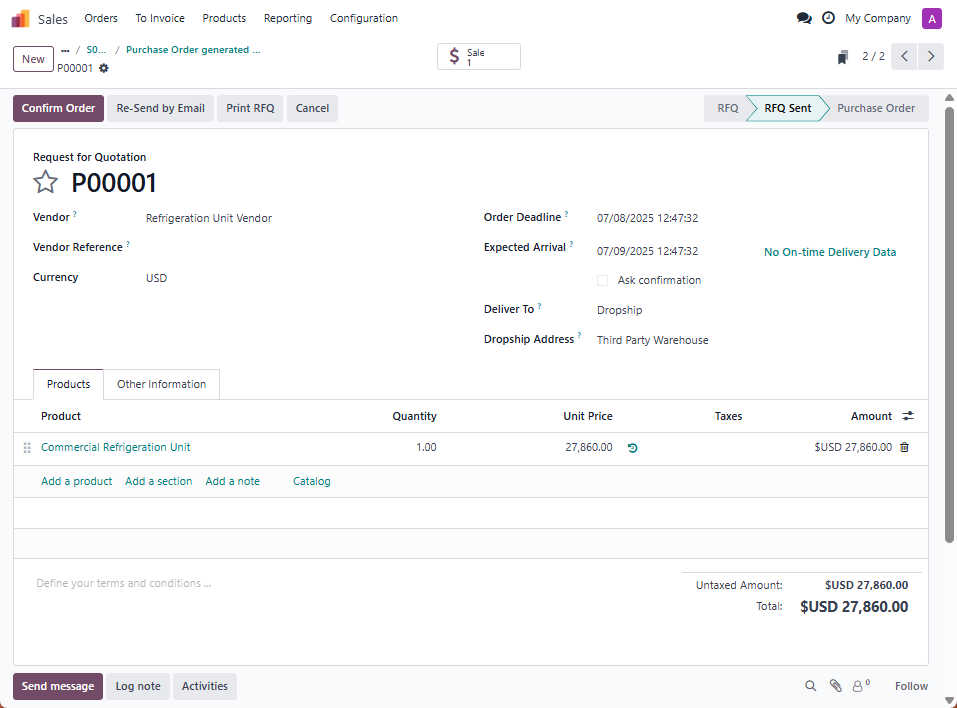
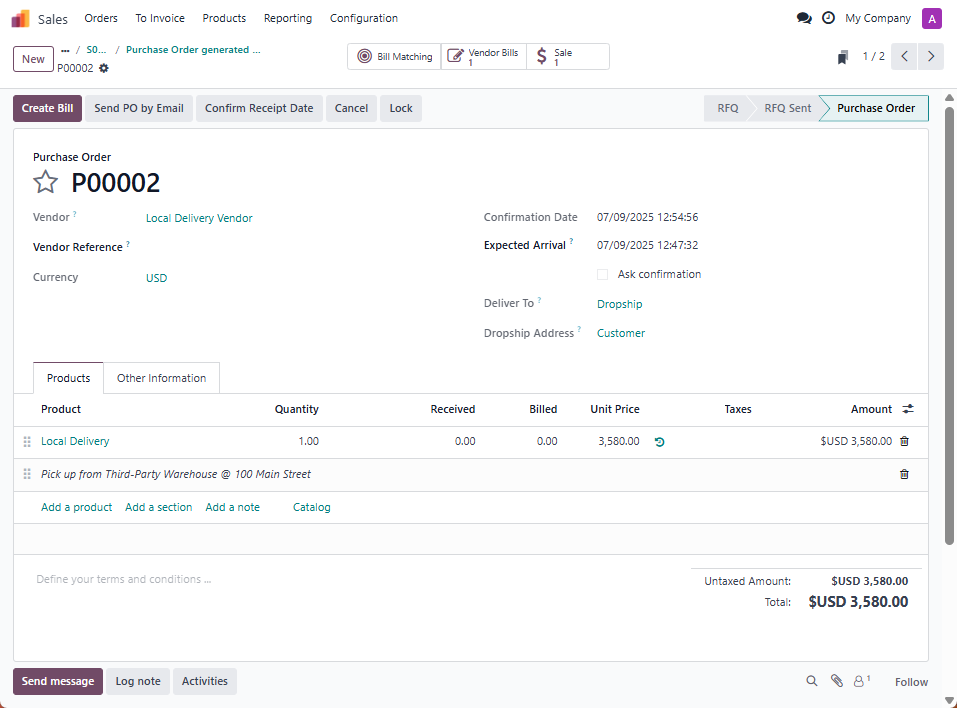
- Confirm it to create two Purchase Orders - one for the Unit and another for the Local Delivery
- On the PO for the Unit, change the Dropship Address to the location of the third-party Warehouse
- On the PO for the Local Delivery, add a note line with the address of the third-party Warehouse
- Process each Purchase Order as you normally would, adding the price and confirming the order when things are finalized
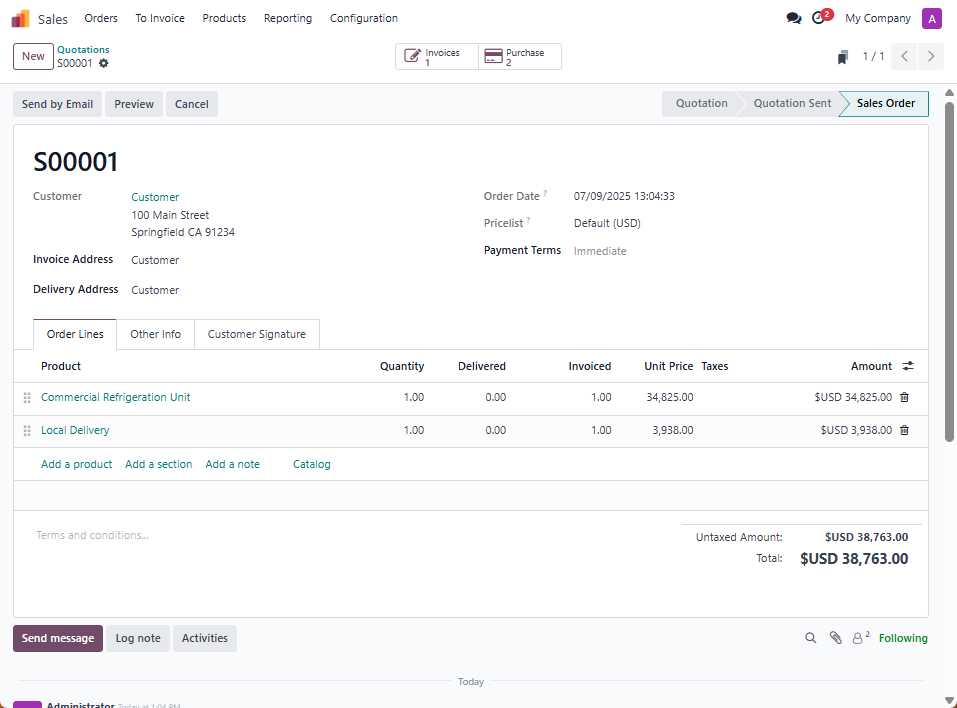
- Add the prices of the Unit and Local Delivery (with your markup) to the Sales Order, then Invoice as you normally would