Help

欢迎!

该社区面向专业人士和我们产品和服务的爱好者。
分享和讨论最好的内容和新的营销理念,建立您的专业形象,一起成为更好的营销人员。


0

Overview about Products

Avatar
odoo
Avatar
Discard
4 Answers
0
Avatar
odoo
Best Answer

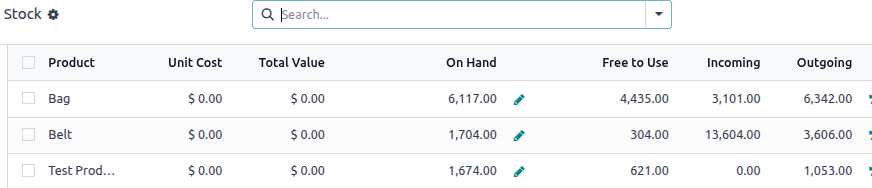
To monitor your product movements and current inventory levels in Odoo, you can utilize the Stock Report available in the Inventory app. This comprehensive report provides detailed insights into the number of products purchased, sold (delivered), and currently in stock. It is a valuable tool for tracking inventory performance and ensuring accurate stock management.

To access the report:

Navigate to:

Inventory appReportingStock

This view consolidates all stock-related data, enabling informed decision-making and efficient inventory control.

Avatar
Discard
0
Avatar
odoo
Best Answer

I tried using the stock report, but I couldn't see all the details in the same list or pivot. I can see the products that are expected to be sold or purchased, but not the quantities of all my products that I have bought and sold in the past.

Avatar
Discard
0
Avatar
odoo
Best Answer

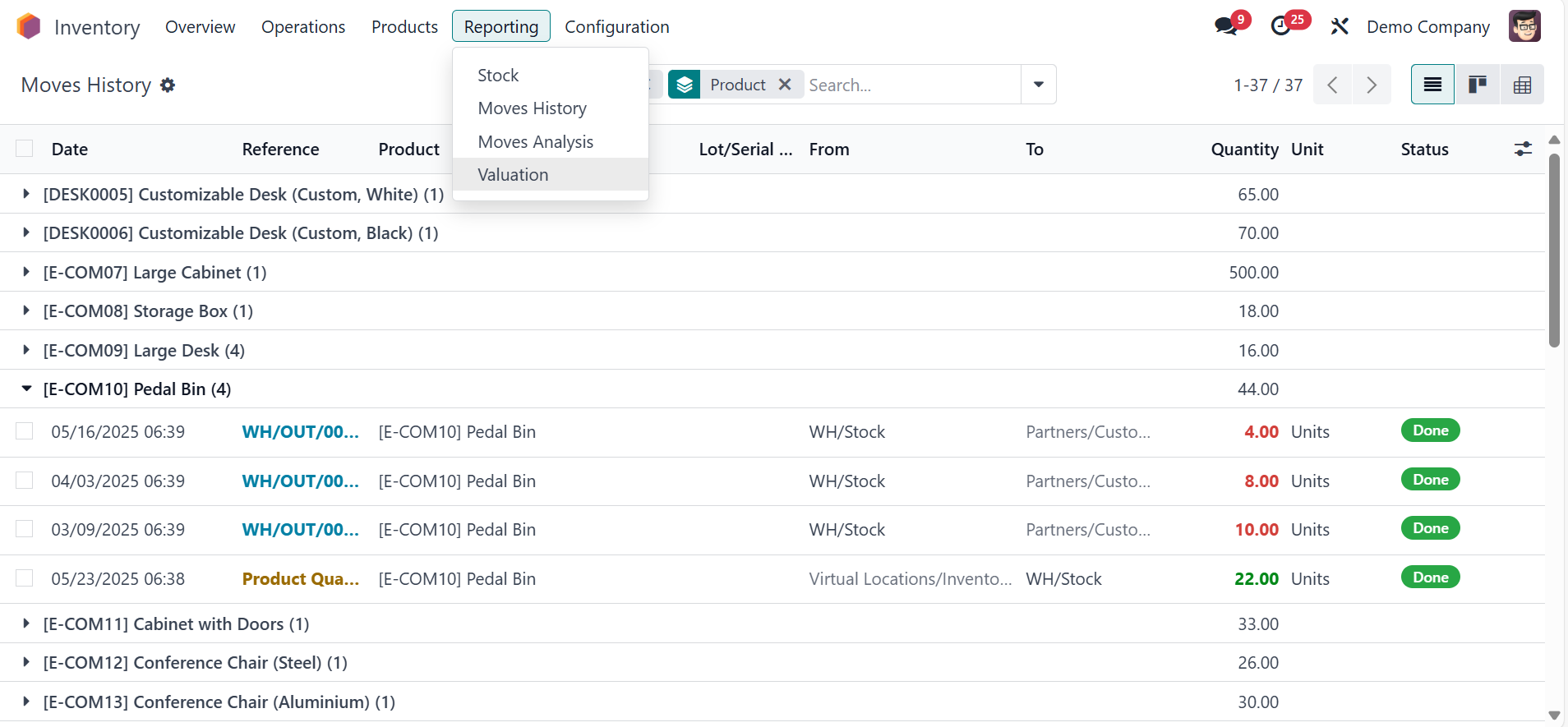
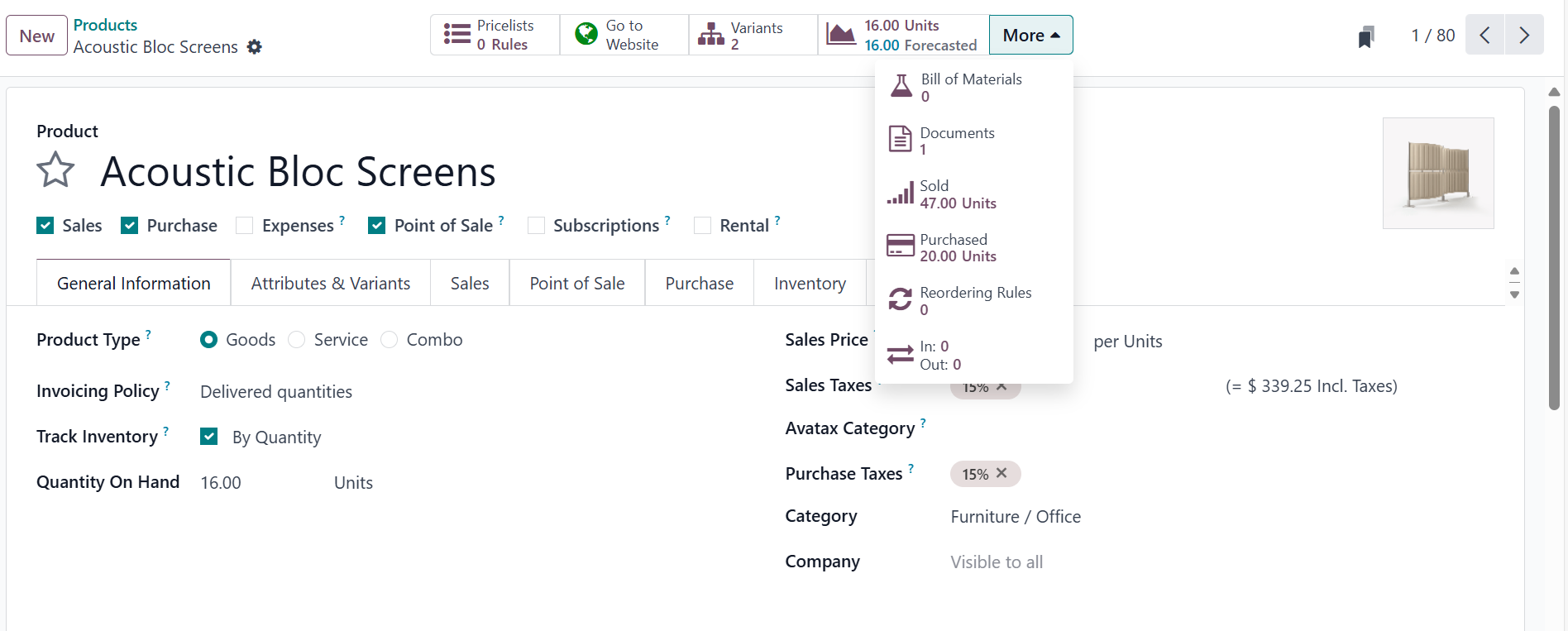
You can see the product smart button to see the bought and sold details if you want more details you can check inventory -> reporting -> moves history check here

Avatar
Discard
0
Avatar
odoo
Best Answer

To see how many products you bought, sold, and still have in stock in Odoo, you can use the Stock Report in the Inventory app. This report gives you a full overview, including how many items were purchased, sold (delivered), and the current stock level. It helps you track everything in one place. go to Inventory app ‣ Reporting ‣ Stock

Avatar
Discard